
Interview mode
Before, during and after the interview, in 10 pictures.
4 min read
Before
Best done the day before1. Build an interview background
On Home, switch to Interview and drop in your resume and the job description. Answer a few questions, or skip them. About a minute later, your prep pack is ready.
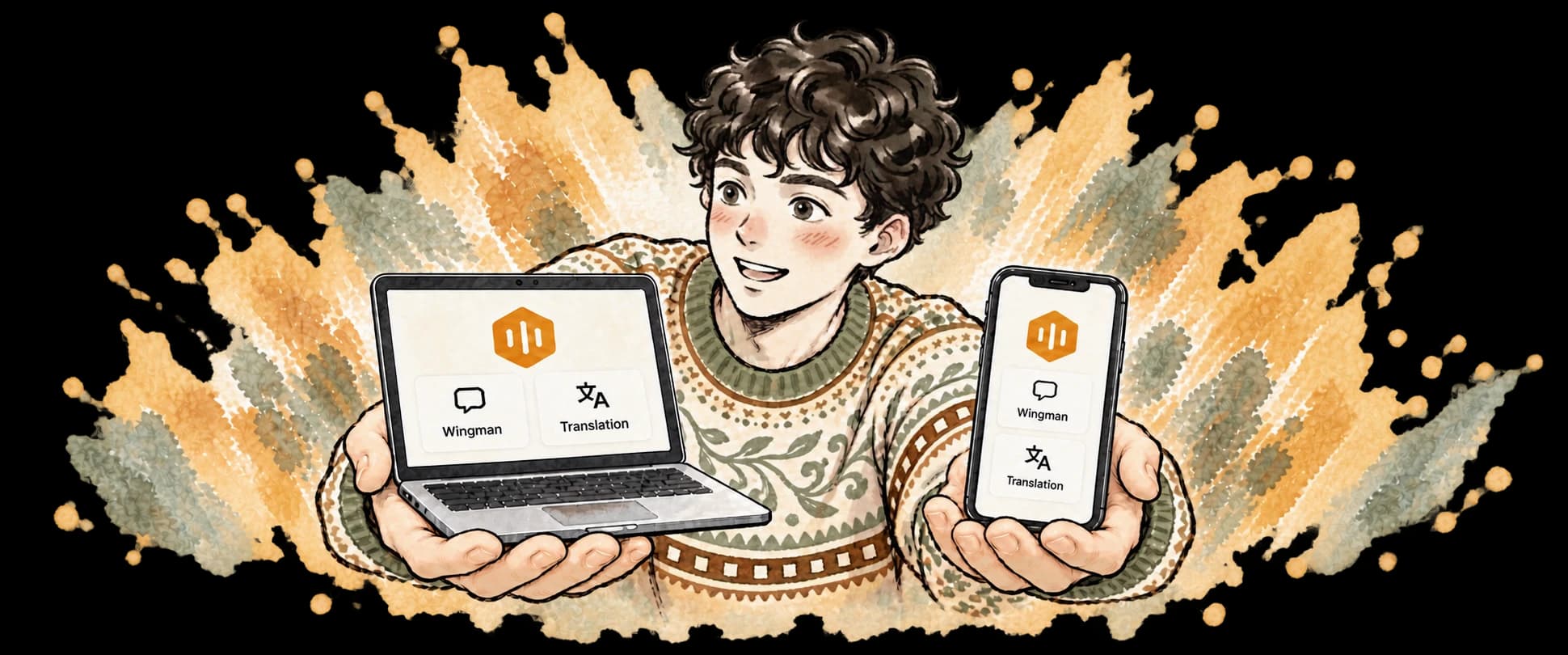
Build it on your phone or your computer: both share one library.
2. Read your prep pack once
Your self-introduction, your stories, likely questions and questions to ask them, all written for you. The answers during the interview come from here too.
Filled in by CueBeeChange these details to what really happened: the interviewer may dig.
Interview inEnglish or Chinese? Change it at the top.

3. The night before: a practice run
Along with your prep pack comes an AI interviewer. It asks in this company’s style, out loud, and follows up on your answers.
Stuck? Press once and CueBee gives you a hint. Afterwards there’s a summary: where you got stuck and how long you paused.
On the day, you’ll have answered these once already. Practice on an Interview Pass counts double.
4. Five minutes before
Run through these four things and nothing will catch you off guard.
Screen recording: CueBee needs it to hear the meeting and capture questions. After turning it on, quit CueBee and open it again.
Earbuds: the interviewer’s voice stays out of your microphone, so CueBee can tell which lines are yours.
During
Help me answer is all you need to remember5. Start on the computer, join from your phone
Computer: choose your interview background and click Start interview
Phone: a banner appears on Home. Tap Join
Nothing to connect beforehand. Within 30 seconds of starting, it shows up on your phone.
Why both?
Why the interview starts on the computer
Only the computer hears the interviewer in the meetingOnly the computer can capture the question on its screenYour phone can’t hear a meeting on the computer, so an interview never runs on the phone alone.
Why join from your phone too: a safety net
CueBee’s floating window is set to Hide from screen sharing: you see it, they usually don’t.But sharing tools vary, so we can’t promise it (on a Mac, some newer sharing tools can still show it).Safest: read the answers on your phone and hide CueBee on the computer with one key. Not a single window left.No phone? You can still interview, with the answers in the floating window. When you share your screen, though, Hide from screen sharing is all that keeps it out of view.
6. When they’ve asked, press Help me answer
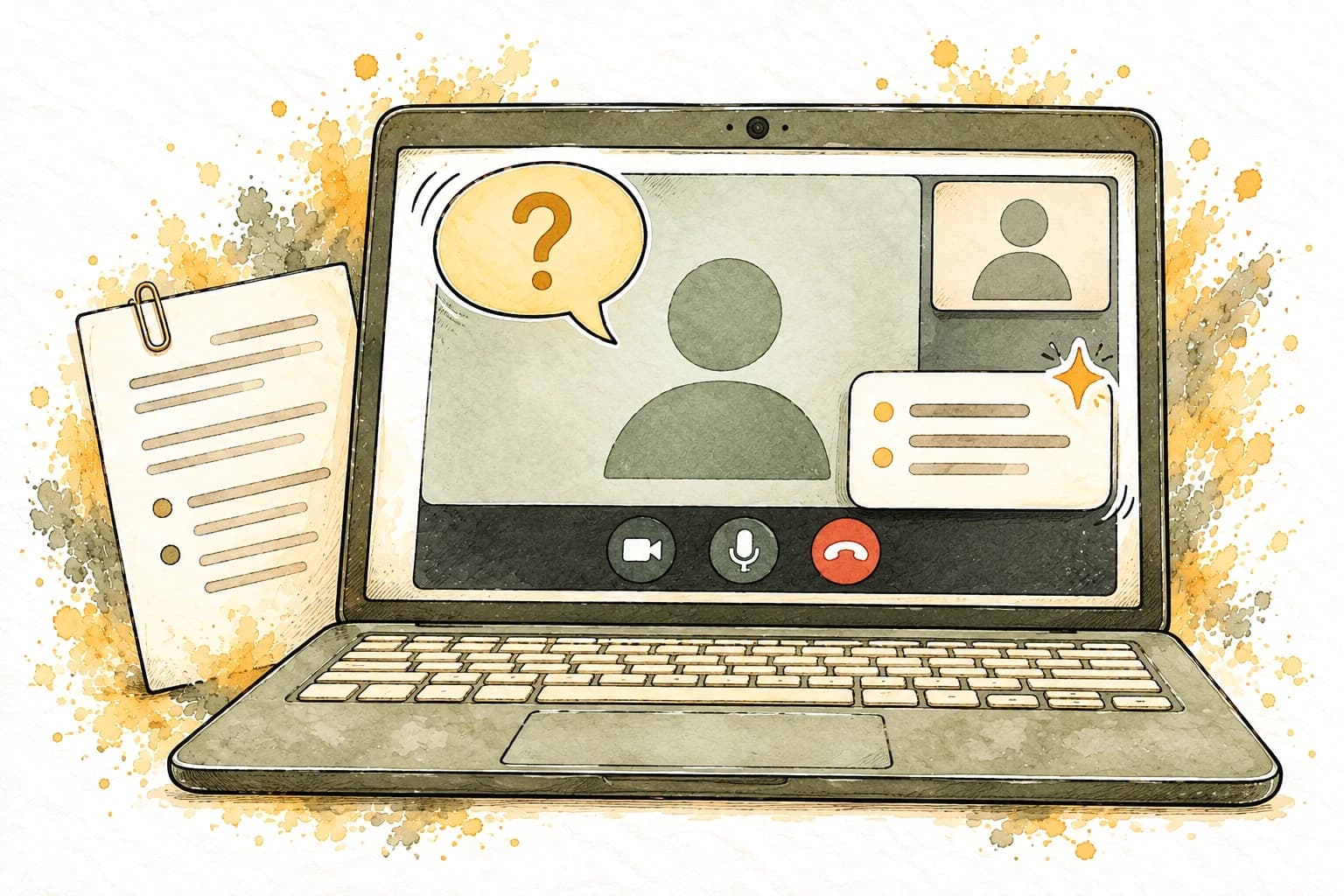
A card appears within seconds: just say it. Pressed too early? It waits for the interviewer to finish. Stuck halfway? Press again and it picks up from your last word.
the big button at the bottom
7. Not quite right? Another version
Press Switch for another version: a different story, or a different length. Want something else? Click Rewrite on the card and pick a reason.
On your phone: swipe the card sideways.
8. A question on screen: capture it
Coding, math, multiple choice: press once and CueBee starts writing the approach, the complexity and the full code.
Too long for one shot? Press again within 10 seconds to add another
On your phone: the Capture button. The computer takes the screenshot.
9. Sharing your screen: hide with one key
The floating window already hides from screen sharing, but not every tool keeps it hidden. To be sure, press this before you share: CueBee disappears from your computer and keeps listening and writing, with the answers on your phone. Press again when you’re done to bring it back.
After
While it’s still fresh10. Look back in History
Every interview is saved for you: CueBee’s recap, the whole conversation, the recording of both sides and the answers you got.
Ask CueBee straight out: “Which answer was my weakest?”
Keyboard shortcuts
Take a screenshot and keep it handy during the interview. You can change the keys in Settings.
- MacControl Option SpaceWindowsCtrl Alt SpacePhoneBig button at the bottom
Help me answer
When they’ve asked - MacControl Option RWindowsCtrl Alt RPhoneSwipe the card
Switch
Another version - MacShift Command 9WindowsCtrl Shift 9PhoneCapture button
Capture question
A question on screen - MacControl Option HWindowsCtrl Alt HPhoneComputer only
Hide CueBee
Before you share; again to come back - MacControl Option Up ArrowDown ArrowWindowsCtrl Alt Up ArrowDown ArrowPhoneTap the point
Previous / next point
When the yellow line is off - MacShift Command HWindowsCtrl Shift HPhone—
Show CueBee
If it won’t come back
Still have questions?
No Join banner on your phone?
Give it up to 30 seconds; opening CueBee shows it at once. Both devices must be signed in to the same account.
The answers don’t sound like you?
CueBee learns how you speak, starting after your first interview. See it or turn it off in Profile → Speaking style.
How much time does an interview use?
It counts as Wingman time, and an Interview Pass is used first if you have one. Each month, a set number of Help me answer presses use the stronger model; after that, a lighter model keeps answering. Each plan’s numbers are on the pricing page.

Good luck with your interview
Still have questions? Email hello@cuebee.ca