
Sharing and watching
Wingman, translation and interviews work alike: your other devices, or other people, follow the conversation live.
3 min read
Your other devices
Nothing to set up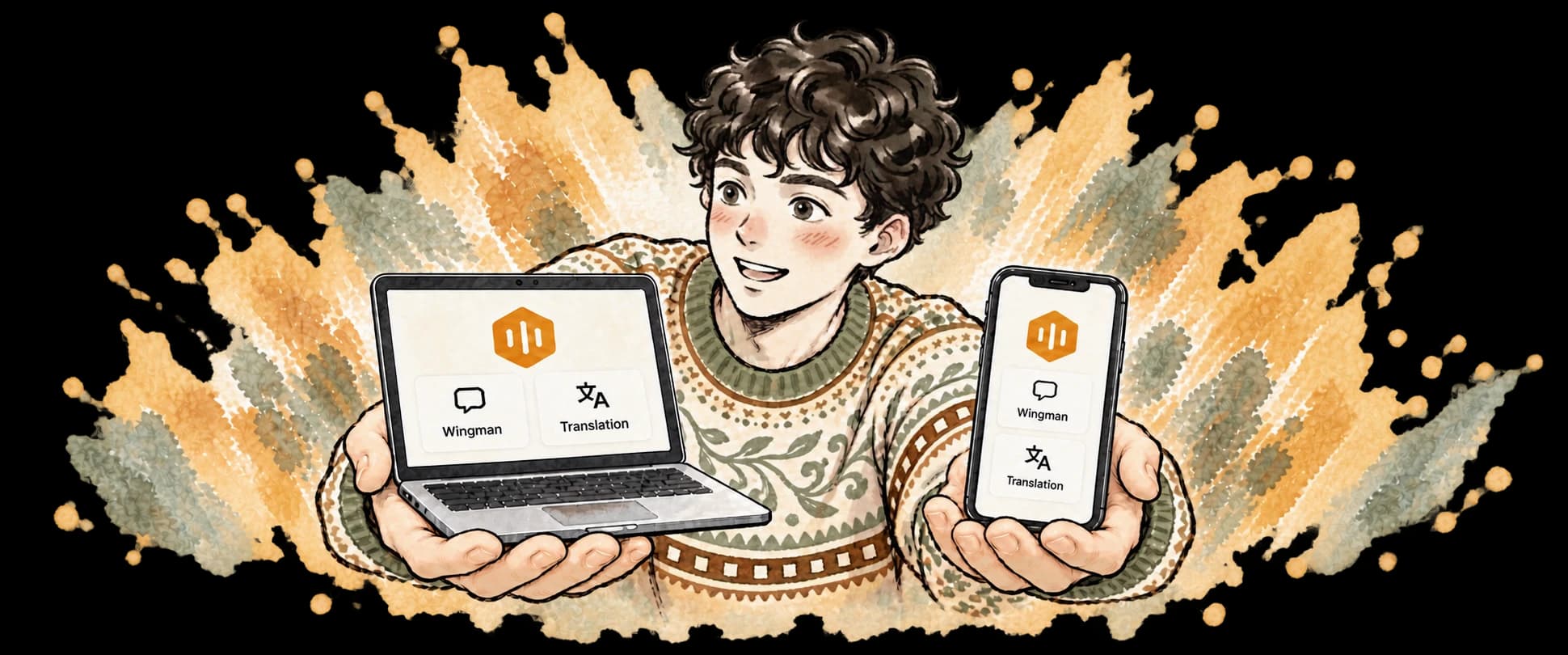
1. Start on one, join on the other
Start on your computer and a banner appears on your phone’s Home: tap Join. Start on your iPhone and a banner appears on your computer’s Home: click Join. Just sign in to the same account on both. Nothing to connect beforehand.
Practice sessions aren’t shared. On the web you can watch your own sessions, but not control them.
Invite someone to watch
Invites come from a computer or an iPhone2. Send an invite
During the conversation, click Share at the top. Under Invite someone to watch:During the conversation, tap the Sharing mark at the top to open Share:
3. What guests can see
Guests see the conversation only: what’s said, plus the translation when you’re translating. CueBee’s replies to you are yours alone by default.
4. You decide who watches
Watching others
On a computer, iPhone, Android or the web5. Got an invite? Here’s how to watch
Sign in to CueBee first. A preview shows who’s sharing, the title and how many are watching; confirm, and you’re in.
A link
A code
A QR code
Still have questions?
How many people can watch at once?
Up to 3 of your own devices and 3 guests per session.
Can I send invites from Android?
Not yet: Android can only watch for now. To share, start on a computer or an iPhone.
Do guests use up my time?
No. Watching uses no time; only the device that started the conversation counts it.
Why does it say Not shared?
This session couldn’t reach the sharing service. Recording and captions carry on as usual; your other devices just can’t see it for now.

One person, several screens
Still have questions? Email hello@cuebee.ca